


Description
Item specifics
Brand Name: IBOPAIDA
Item Type: Tablet PC
Feature: Dual Cameras,G Sensor,Ultra Slim,Multi Touch,OTG,HDMI
Supporting Language: Portuguese,Swedish,Greek,English,Spanish,Japanese,Polish,Italian,Chinese,Turkish,Hebrew,Russian,German,French,Ukrainian
Display Size: 10.2″
Network : External 3G,Wifi
Processor Manufacture: AllWinner
Memory Capacity: 1GB
Operating System: Android 4.2
Touch Screen Type: Capacitive Screen
Processor Core: Dual Core
Extend Port: TF card,Mini USB,OTG,DC Jack,HDMI
Processor Model: A20
Display resolution: 1024×600
Cell Capacity: 6500
Tablet Storage Capacity: 8GB
Model Number: 1008
Processor Main Frequency: Dual Core
Product Description
Specification
CPU Processor
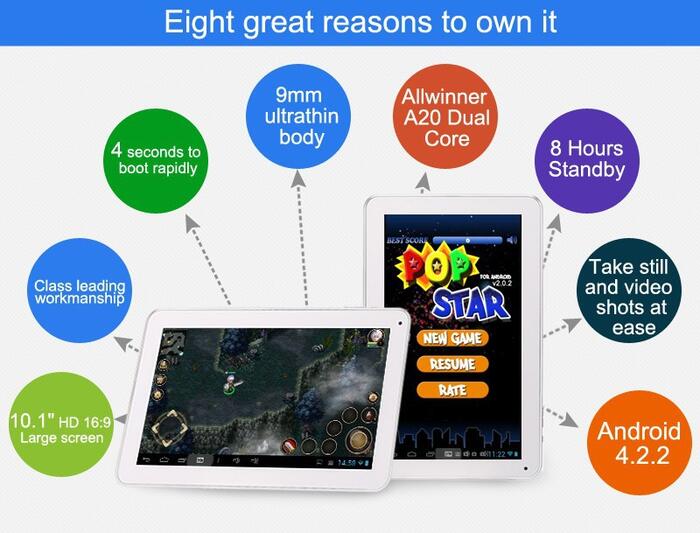
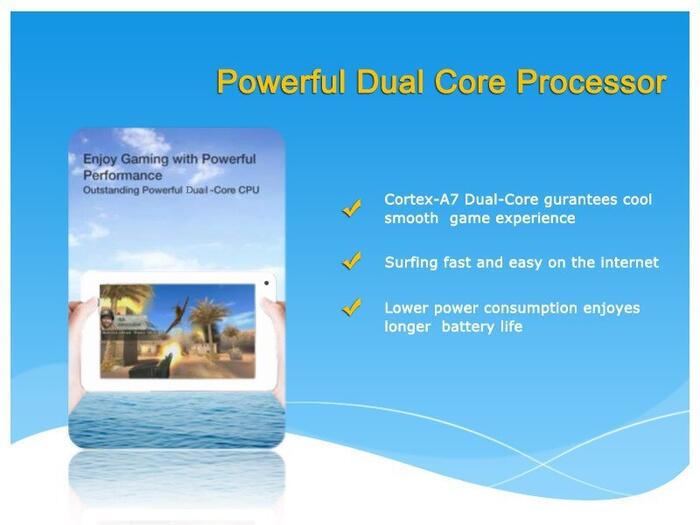
Allwinner A20 ARM Cortex-A7 Dual-Core; ARM® Mali400MP2
Operating System
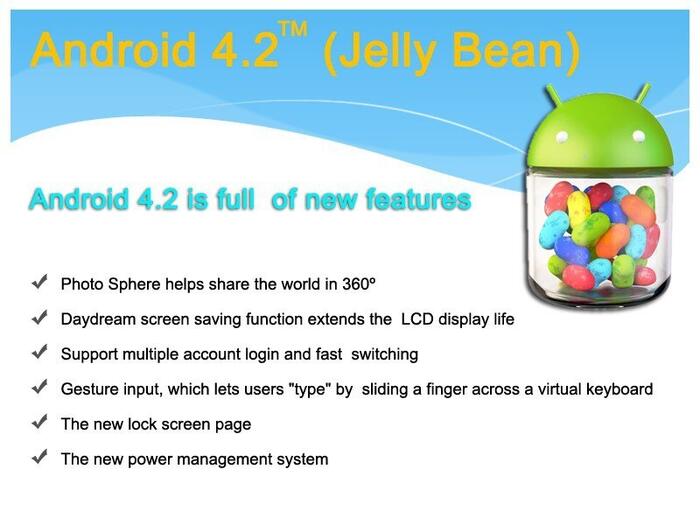
Google Android 4.2 Jelly Bean
Size
10.2″
Resolution
1024×600 HD
Touch Screen
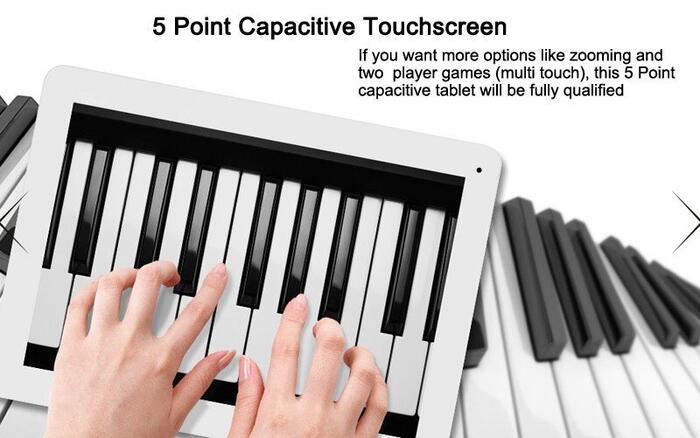
5 Point Capacitive Touchscreen
RAM
Real 1G DDR3
Nand Flash
8 GB
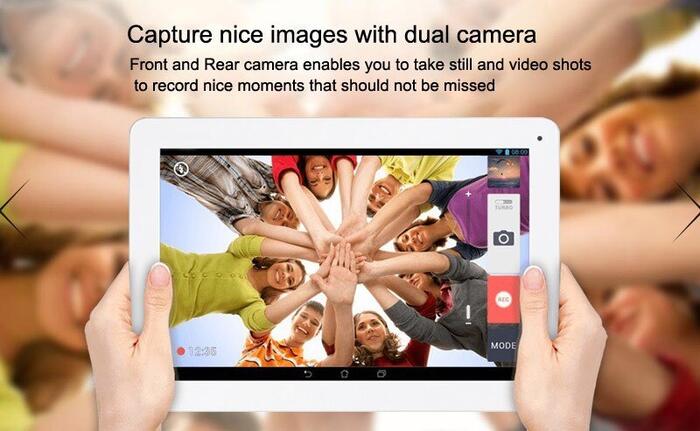
Dual Camera
Front/back Dual cameras(0.3MP, 2MP)
Android Market
Yes. You can download thousands of APPS from Google Play
Output Device
Built-in Loud stereo speakers
Input Device
Built-in Microphone
Accelerator
Yes
LAN
External Fast 10/100 Mbps if equipped with an Ethernet Adapter
Wireless
Support WiFi (Built-in 802.11b/g WLAN Card), Support 3G (3G Dongle Not Included in Package)
Color
White
AC Power Adaptor
Input AC100-240V, 50-60Hz, Output 5V 2A
Battery Pack
3.7V 6000mAh Li-Polymer rechargeable battery
Weight
910g (Package)
Dimension 265*166*10 L*W*H(mm)
Picture Viewer
Support JPG, JPEG, GIF…..
Media File Audio
MP3, WMA, WAV, APE, OGG, FLAC
Video Player
Support AVI, RM, RMVB, MKV, WMV, MOV, MP4, PMP, MPEG, MPG, FLV, 3GP, MPG, H.264, etc
Music Player
Support MP3, WMA, MP2, OGG, AAC, M4A, MA4, FLAC, APE, 3GP, WAV, support playlist
G Sensor
Yes
Languages
Czech, Dansk, German, English, Spanish, Russian, French, Italian, Dutch, Norwegian, Hebrew, Polski, Greek, Portuguese, Svenska, Turkey, Korean, Japanese, Simplified Chinese, Traditional Chinese
Software
Fring, QQ, MSN, Youtube, Google Map, Document to go, Multimedia Player, Email, Es File Explore, OfficeSuite, Google Search, Task Manager, Browser, Gallery, Clock, Calculator, Calendar, iReader, Application Store
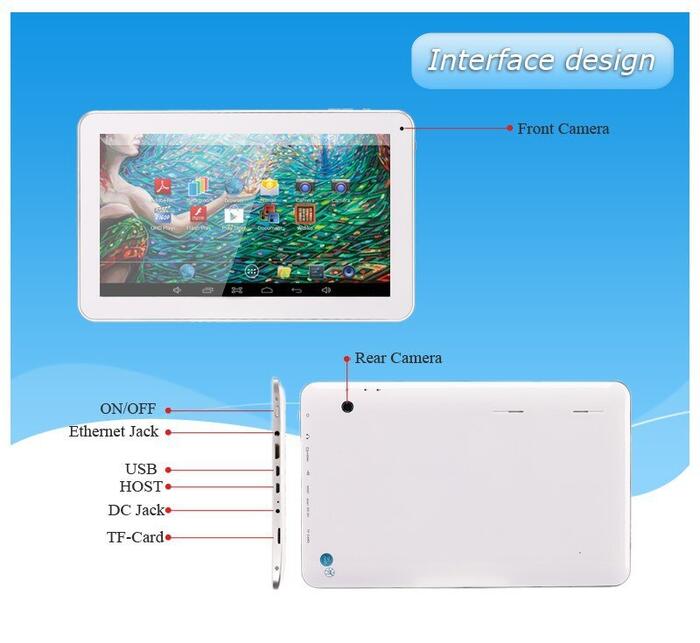
I/P Ports
Headphone Jack*1
DC Jack*1
Micro USB Port*2
Memory Card Slot*1
HDMI Jack*1
Accessories
AC Adapter, English User Manual, Stylus Pen, USB Cable, OTG Cable
Package
1. Android 4.2 Dual Core 10.2″ Tablet*1 2. English User s Manual*1 3. AC Charger*1 4. USB Cable*1 5. OTG Cable*1 6. Packing Box*1
Main Picture
FAQ
Question 1: What is a Google Android tablet? A: Android is an operating system for mobile phones and tablets, in much the same way that PCs run Microsoft Windows as their operating system. It s maintained by Google, and comes in a few different version, at the time of writing, Android 4.2 has been released. Question 2: Where can I download free Apps? A: You can get apps from the Google Play store, or from other sources, such as GetJar and 1mobile market. They can also be loaded onto an Android device manually via a USB cable without using a store. Question 3: How can I connect the internet with 3G? A: You can connect to the 3g services if equipped with a dongle which has a sim card slot. The sim card should be 3g enabled. Sim card is used in cell-phone for connection. Verizon, Sprint, etc. We can just connect 3G dongle to USB 2.0, so we need an OTG cable which is included in our package, please follow these steps: 1: Make sure your dongle works on your PC/Laptop. 2: You must know the manual setting of your dongle/Service provider (you can download it from net, eg: search for “Verizon APN settings”). 3: Download PPP widget from google app and grant root access to it after installation. 4: Connect the 3G dongle to your table pc via the OTG Cable. 5: Click on configure and fill the details of manual setting of your dongle/Service provider. 6: Click connect and enjoy. Question 4: You said this tablet pc would support MSN, Fring, QQ, Office Suite, why aren t there on screen after the boot? A: This Tablet PC does support all the APPs mentioned above, but we have only installed necessary APPs for you, as every customer has different need on a variety of Apps and some of them are not even free, therefore users need to install on their own. Question 5: I don t see 16GB Nand Flash in internal storage, is there anything wrong? A: Partial of that 8GB Nand Flash is used for formatting and other functions, resembling to the status of a Computer s Hard Drive. More precisely, it is consisted of three parts, internal storage(app data&media content), NAND Flash and and hidden system space. Question 6: Can t connect my Tablet PC via WiFi, how to sort this out? A: If problems like “Seem out of range”,”Random disconnections” etc occur, the tablet gets the blame because the user already has their smartphone, laptop or xbox connected so it must be the tablet right? In some ways, yes, and there are possible issues, and of course, ways to overcome them: 1: Whenever you try to connect WiFi for the first time, make sure there is no space in SSID, SSID is how your network named, like “Alland-Networking”, “Jameshouse”, but Android Tablets seem to have difficulty in connnecting WiFi if there is a space in Network name. 2: Intermittent Connection, this is usally caused by Router not issuing an IP address to the tablet, assign a static IP address can settle down the problem. Operate in such an order: Settings-WiFi-Hold the network you are to connect for a second-Modify network-drag the menu down to check”show advanced options”-Change IP settings from DHCP to Static, fix the tablet IP address to something like 192.168.0.xx 3: Security Block, this is the case when you have excellent signals on the table pc, but your device just refuses to connect WiFi. The easiest method is to switch off security and add control to filter out outside users. Effectively, you input the tablet address into the security setup menu on your router and this will give the tablet free access to all of the routers security features, however this blocks all other devices from entering the network so remember to add the address of your smart phone, laptop, xbox etc. For specific instuctions on how to do this, read routers manual or consult your ISP. 4: Network Congestion, the rest of your devices may work fine but the tablet keeps ping out or shows very low signal even when sitting on top of the router – a favourite complaint that received from users. This contributes to too many wireless signals from competing networks spoiling your network signal. Android Tablets seem particularly susceptible to this. Cycling to a different channel frequency can help significantly and many people see their signal jump from “low” to “excellent” just by the flick of that virtual switch. Cycle throuigh all 11 frequencies until you find the one that works best with your tablet. 5: Router Issue, try to connect WiFi in some hotspots like and Kentucky, if it works there, then the easiest cure seems to to renew the router. Only 1 out of 50 tablets sent to our repair centre actually displayed a fault – the rest were one of the above configuration issues so don t GIVE UP on your tablet! Question 7: When should I choose to restore the factory settings, and what problems does it solve? A: Performing a factory reset can be useful for a number of reasons and situations, particularly when your device has become too clogged up with apps, files and different accounts which may be compromising the performance. Please follow the outlined steps below: 1: Navigate to the settings of your tablet. 2: Scroll down to click on Backup&Reset section of the Settings menu. 3: Enter reset facotry settings. 4: Hit the Reset Device Button. Question 8: How to reflash the operating system? A: It is necessary to reinstall your operating sysytem when you come across problems like screen lock, stuck on Android logo during boot, lines on screen, or other software issues that prevent the tablet from working properly, please message us for detailed instructions and addresses to dowload system files.
Packaging Details
Unit Type: piece
Package Weight: 1.0kg (2.20lb.)
Package Size: 30cm x 20cm x 10cm (11.81in x 7.87in x 3.94in)



Reviews
There are no reviews yet.