


Description
Item specifics
Product Description
Nice mood today! Welcome to visit our store!!!
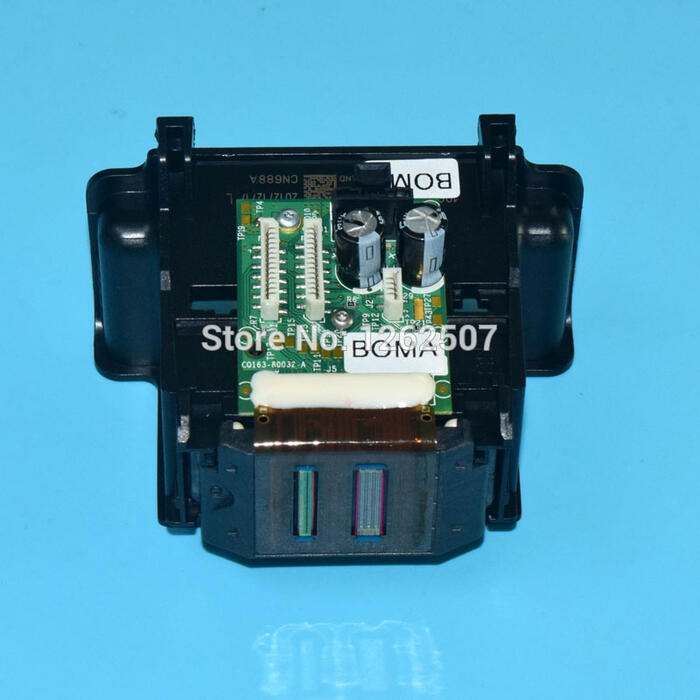
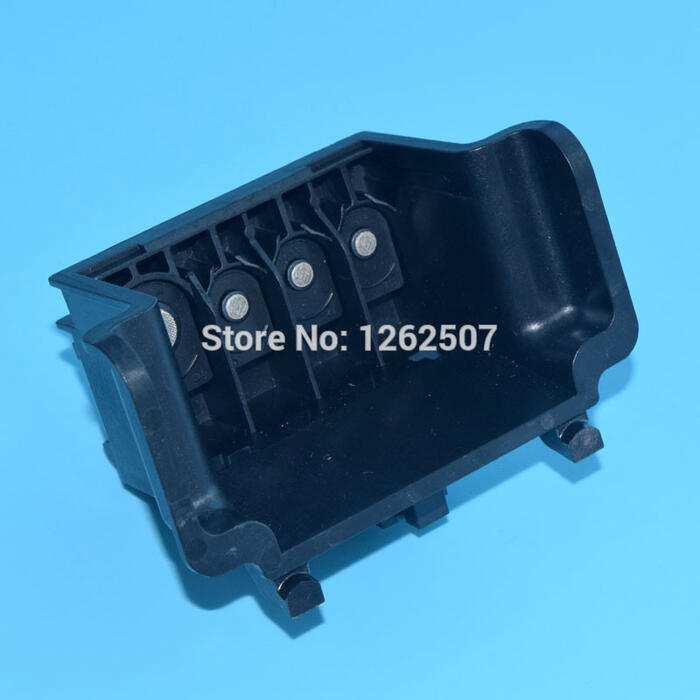
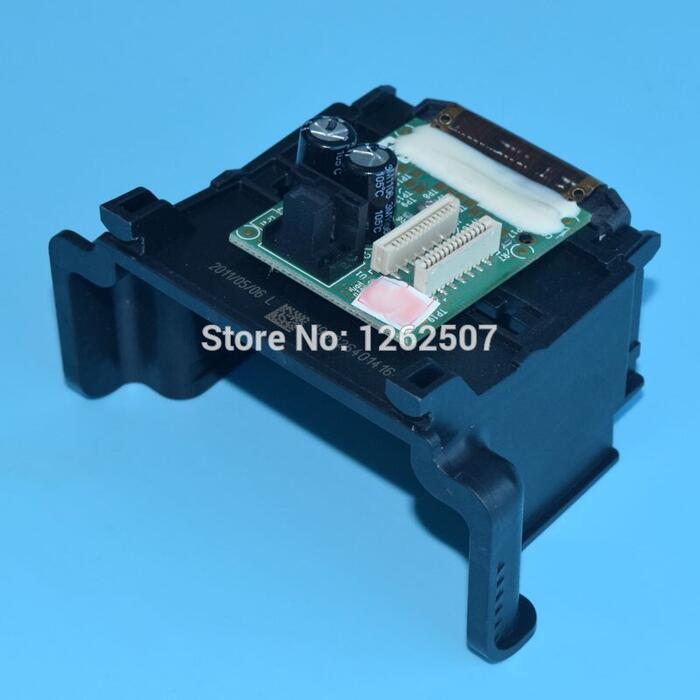
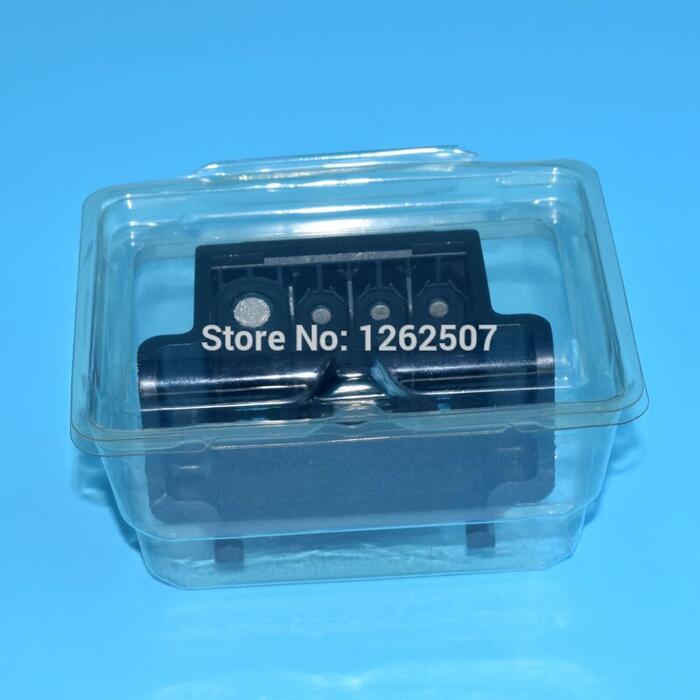
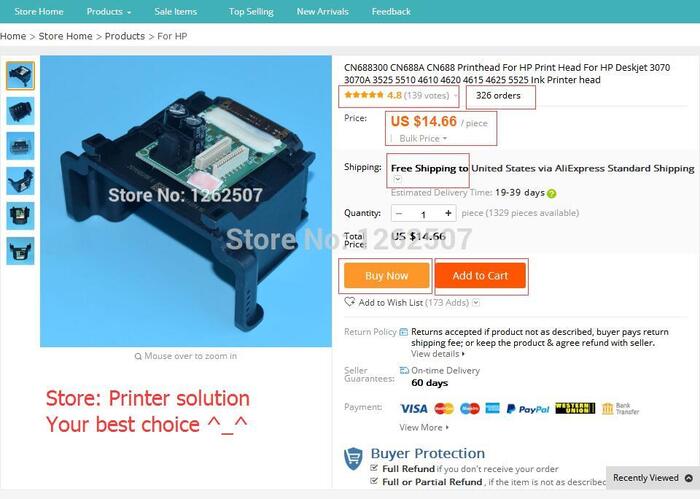
Product: Printhead for hp cn688a CN688A CN688-30001 CN688 CN68830001
Model: Printer print head for hp cn688a For hp 3070 3525 4610 4615 4625 printer head wholesale price
Printer: Suitable For HP deskjet 3070 3525 5510 4610 4615 4625 5525 printers
Type: Remanufactured original printhead for hp cn688a for hp 3070 3525 4610 4615 4625 printer head wholesale price
Feature: High printing quality,100% test before out
MOQ:1PC
Color: BK,C,M,Y-4colors
Lead time: within 24hours after payment
Package: Neutral packing
Note: Our printhead is original, Please confirm printer condition first, after installed,we have no gurantee.
Compatible for printer:
DESKJET 3070A E-ALL-IN-ONE PRINTER B611A
DESKJET 3070A E-ALL-IN-ONE PRINTER B611B
DESKJET 3520 E-AIO PRINTER
DESKJET 3520 HPCERT RECOND
DESKJET 3521 E-AIO PRINTER
DESKJET 3522 E-AIO PRINTER
DESKJET IA 5525 E-AIO
OFFICEJET 4620 AIO PRINTER
OFFICEJET 4620 E-AIO UPG
PHOTOSMART 5510 E-ALL-IN-ONE PRINTER
PHOTOSMART 5510 EAIO PRINTER
PHOTOSMART 5514 E-ALL-IN-ONE PRINTER
PHOTOSMART 5514 EAIO PRINTER
PHOTOSMART 5520 E-AIO UPG
PHOTOSMART 5520 EAIO PRINTER
Photos display For HP CN688A Remanufactured Printhead, For HP CN688A New printhead,
Note:
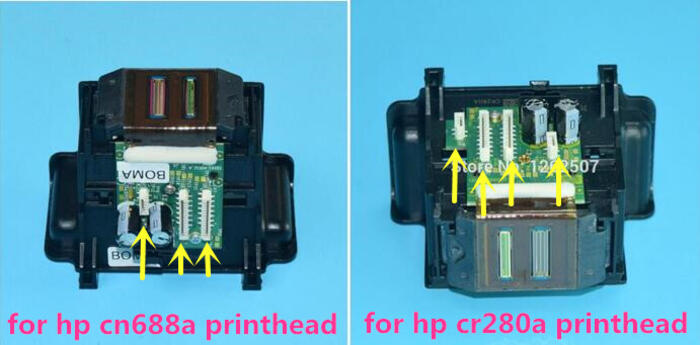
For HP CN688a and for HP CR280A printhead are similar but different,please choose the right printhead,thank you!
***For HP CN688A printhead suitable for hp photosmart 3070 3525 5510 7510 4610 4620 4615 4625 5525 printers,
***For HP CR280A printhead suitable for hp photosmart 6510 6515 6520 6525 printers,
Welcome to our store- Printer solutions
“Add to My Favorite Stores”
— You will get lastest news of updated products and prices
— You will receive our priority discounts and coupons
“Add to Carts”
1.You will find the link quickly when you want to pay;
2.When the prices reduces, you will get note;
3.You can check our products feedback anytime;
If you have some question such as your Order,Account,Coupons,Promotions,Refunds,Returns,Payments,Terms,Conditions,
For HP printer – “Ink system failure” or “0x…” error code, the solution is as follows:
Step 1: Use genuine ink cartridges
Step 2: Reset the printer
Step 3: Check the Estimated Ink Level
Step 4: Clean Inkjet Inkjets and Contacts
Step 5: Clean the printhead with automated tools
Step 6: Manually clean the print head
Step 7: Replace the print head
Step 8: Repair the printer
?
Packaging Details
Unit Type: piece
Package Weight: 0.25kg (0.55lb.)
Package Size: 15cm x 15cm x 10cm (5.91in x 5.91in x 3.94in)
Transaction History
436 transactions in last 6 months.Sort by latest
Buyer
Transaction Information
J***.
HU
1 piece
03 Jul 2019 11:18
M***.
PL
1 piece
02 Jul 2019 10:21
S***.
SK
1 piece
30 Jun 2019 09:32
C***.
CZ
1 piece
27 Jun 2019 20:03
C***.
CZ
1 piece
27 Jun 2019 20:02
K***.
RU
1 piece
27 Jun 2019 13:15
V***.
CZ
1 piece
27 Jun 2019 00:59
R***.
ES
1 piece
26 Jun 2019 10:45
U***.
UA
1 piece
25 Jun 2019 12:48
D***.
IN
1 piece
23 Jun 2019 21:25
C***.
MX
1 piece
23 Jun 2019 13:51
A***.
RU
1 piece
23 Jun 2019 12:26
O***.
RU
2 pieces
23 Jun 2019 05:14
D***.
RU
1 piece
23 Jun 2019 04:08
R***.
RU
1 piece
22 Jun 2019 07:24
K***.
PL
1 piece
22 Jun 2019 05:04
A***.
RU
1 piece
21 Jun 2019 13:50
R***.
PL
1 piece
21 Jun 2019 09:16
S***.
PL
1 piece
21 Jun 2019 08:59
D***.
SK
1 piece
21 Jun 2019 06:29
previous 1 2 3 4 5 6 7 … 22 next
Go to Page Go




Reviews
There are no reviews yet.